
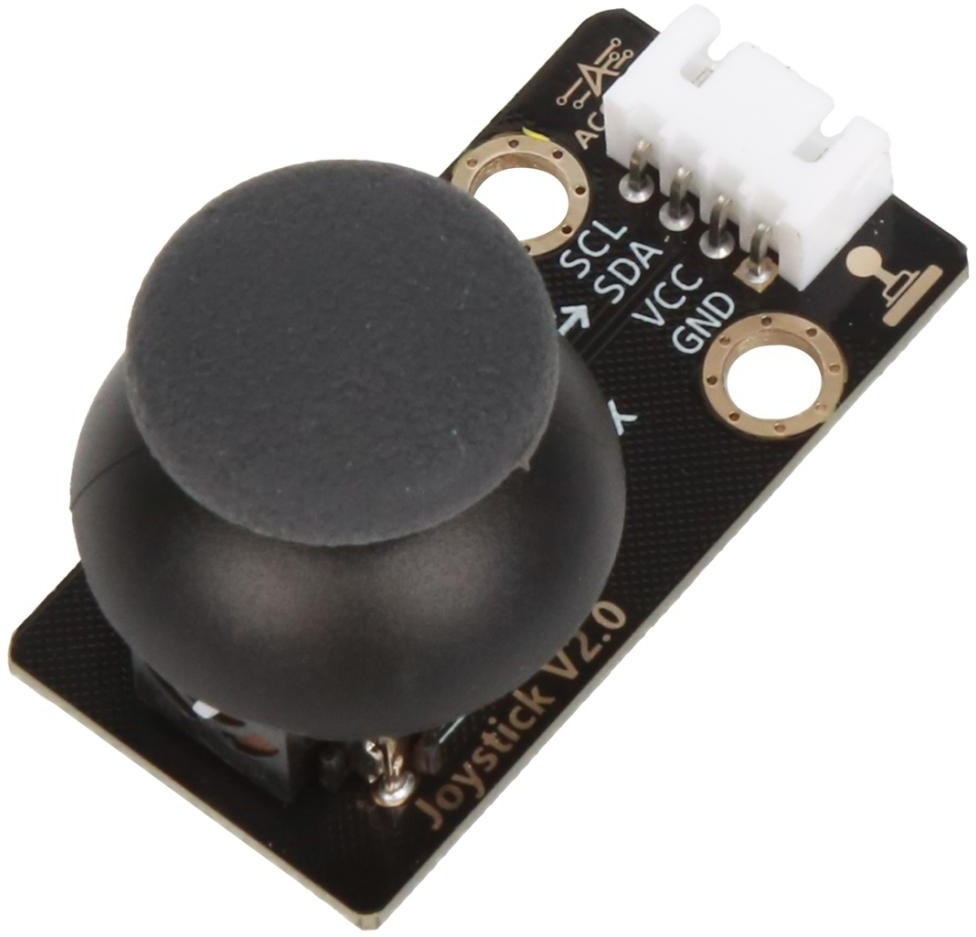
 Product Introduction #
The joystick module is mainly composed of two potentiometers and a push button switch. These two potentiometers output the corresponding voltage values on the X and Y axes respectively according to the twisting angle of the joystick, realizing the position perception of the joystick in two dimensions. In the Z-axis direction, pressing the joystick can trigger the touch button to realize additional operating functions. The design of this module enables it to simulate an operating experience similar to that of a game controller, reflecting the position of the joystick through changes in the potentiometer, and realizing specific functions by triggering the push button switch.
In addition, the initial state of the joystick module is that both potentiometers are in the middle of the range without external force. This design ensures that the output of the module is stable when there is no operation, and will not cause misoperation due to slight vibration or other external interference.
Application reference: game console controllers, remote control cars, gimbals, model airplanes, etc.
2.Parameter Specification #
| Parameters | Value/Description |
|---|---|
| Operating voltage | 3.3V~5V |
| Operating temperature | -40°C~+70°C |
| Output signal | Analog signal |
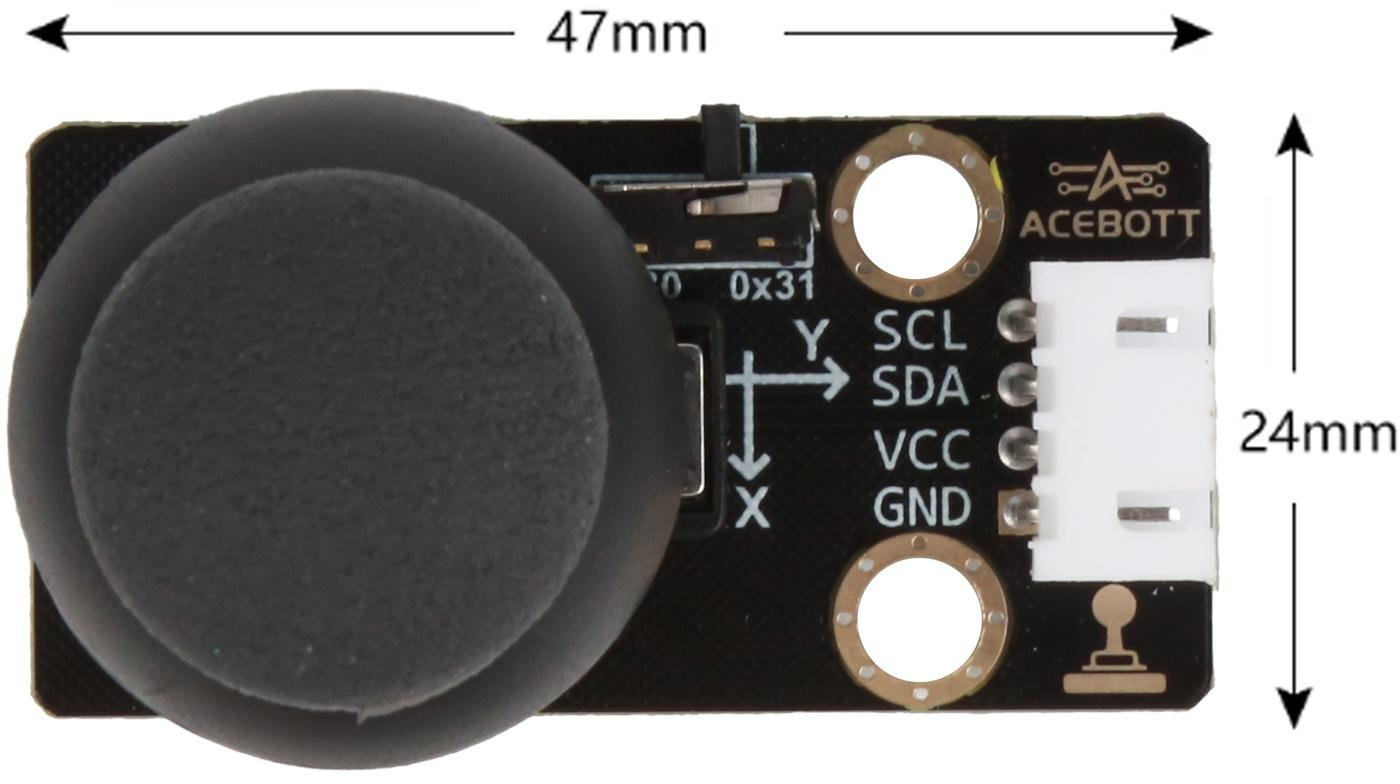
| Size | 4.7cm*2.4cm |
3.Wiring Diagram #
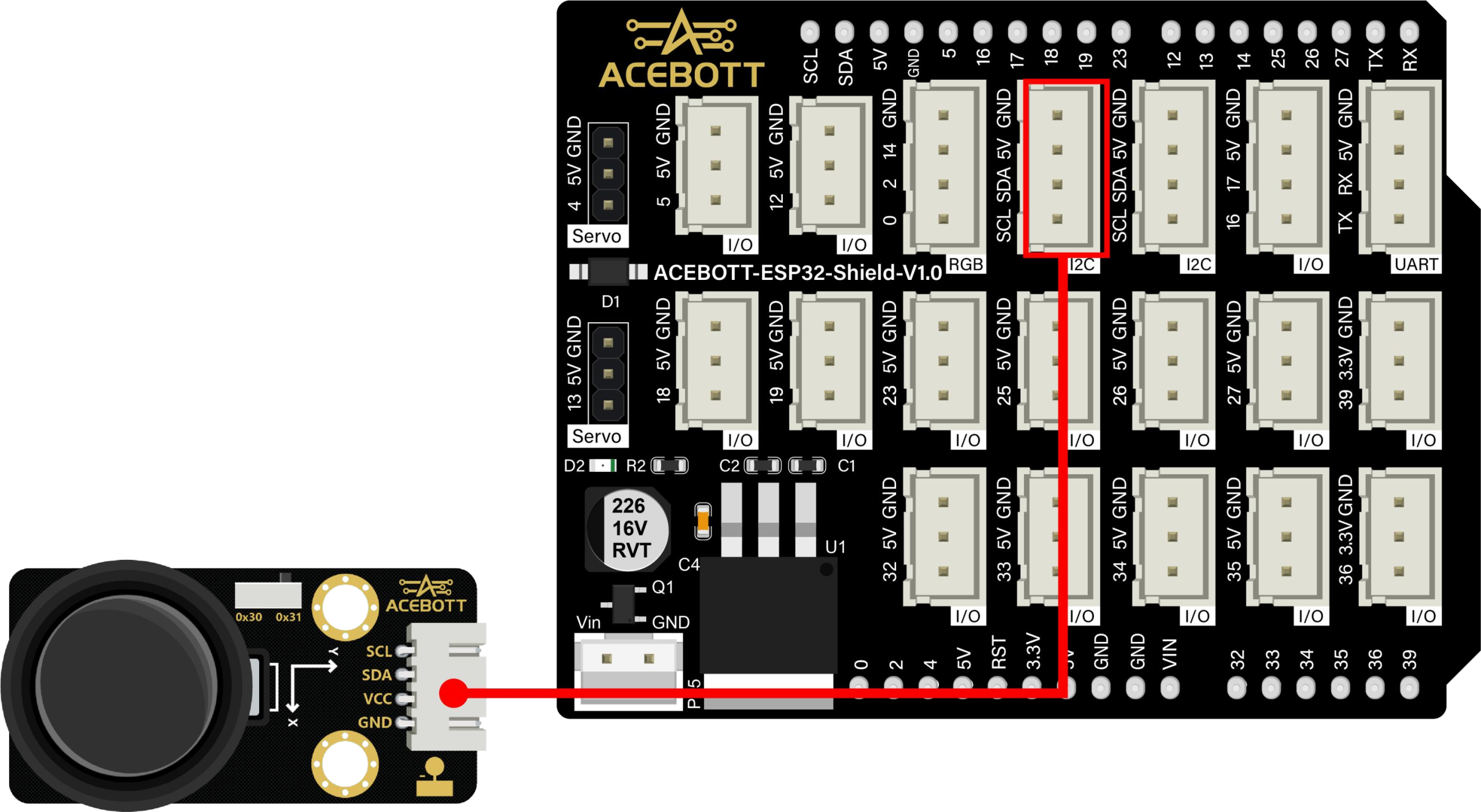
| Joystick Module | ESP32 |
|---|---|
| SCL | SCL |
| SDA | SDA |
| VCC | 5V |
| GND | GND |
4.Sample Code #
#include <Wire.h>
#include
"ACB_Joystick2_I2C.h"
ACB_Joystick2 joy(0x31);

void setup() {
Serial.begin(115200)
; Wire.begin();
joy.begin();

void loop() {
// Read X axis value from joystick (0 ~ 4095)
uint16_t x_value = joy.readX();
// Read Y axis value from joystick (0 ~ 4095)
uint16_t y_value = joy.readY();
// The exact logic (0 = pressed or 1 = pressed) depends on the module design.
uint8_t sw = joy.readSW();
// Print values to the serial monitor
Serial.printf("X = %u Y = %u SW = %u
", x_value, y_value, sw);
delay(100);
5.Test Result #
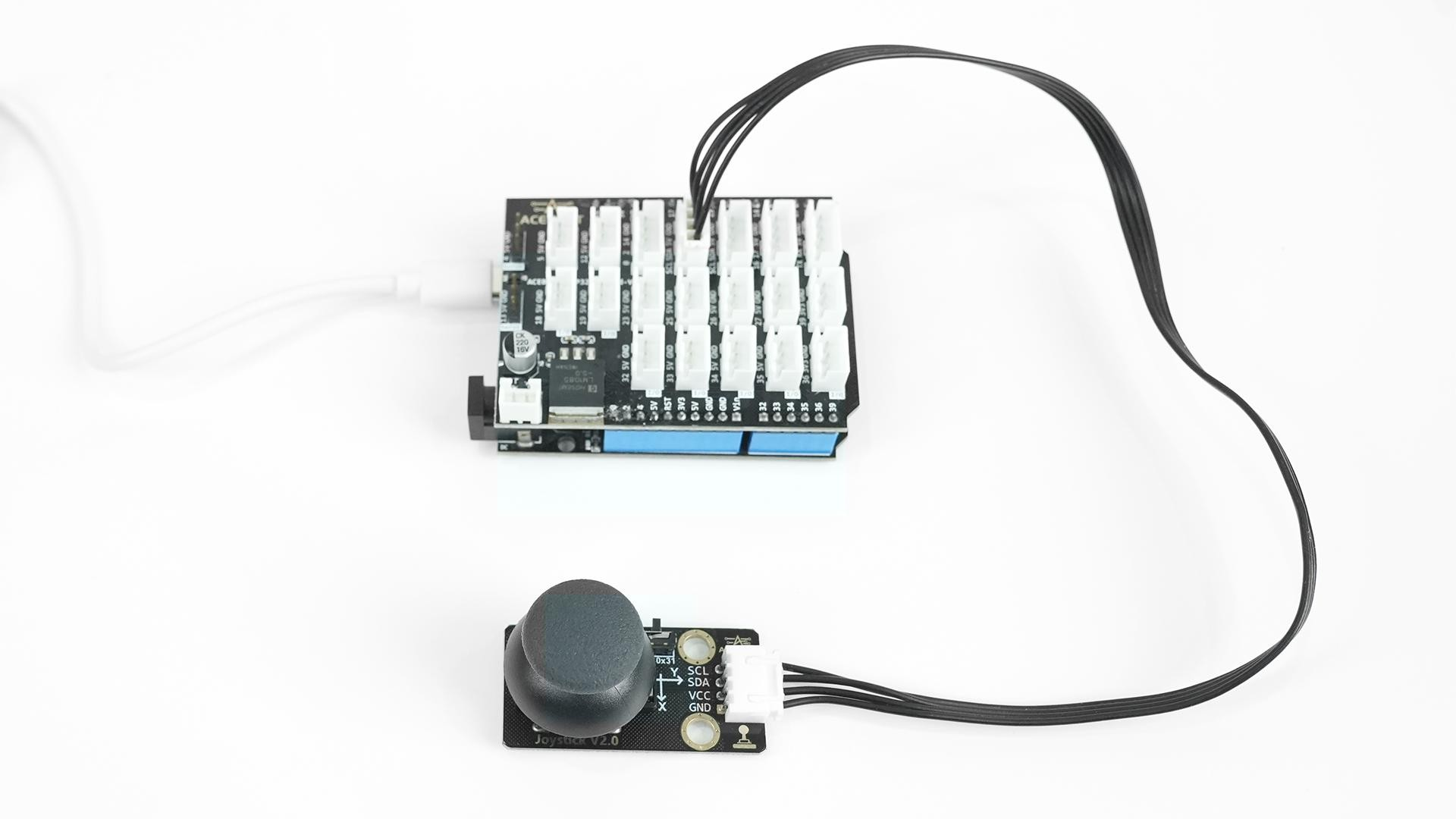
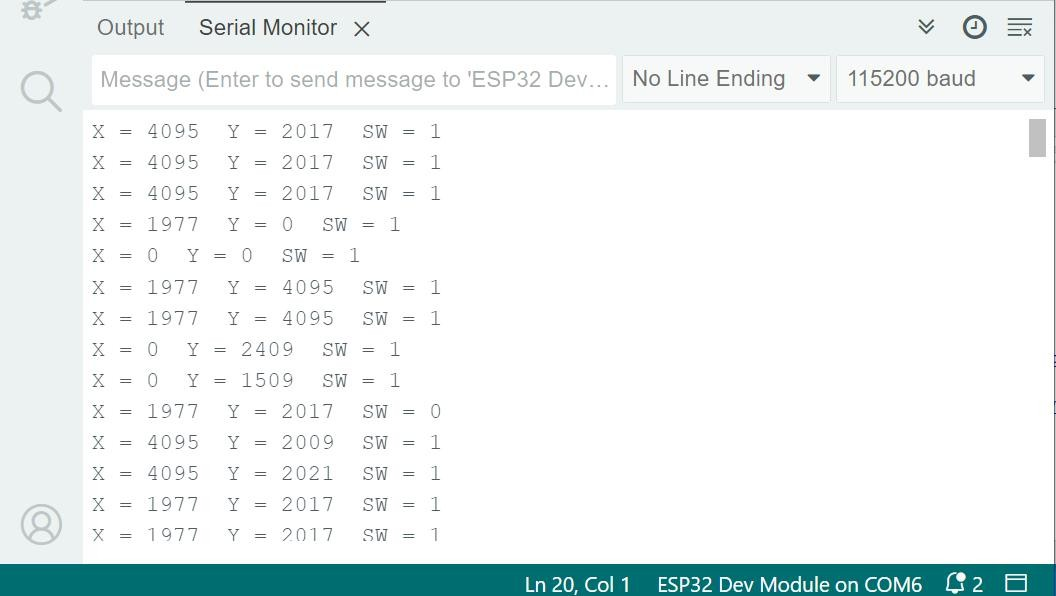
After you have successfully connected the circuits according to the wiring diagram and successfully uploaded the correct program, when you press the joystick, the serial port monitor will output the current coordinate information of the joystick.
6.Related Resources #


