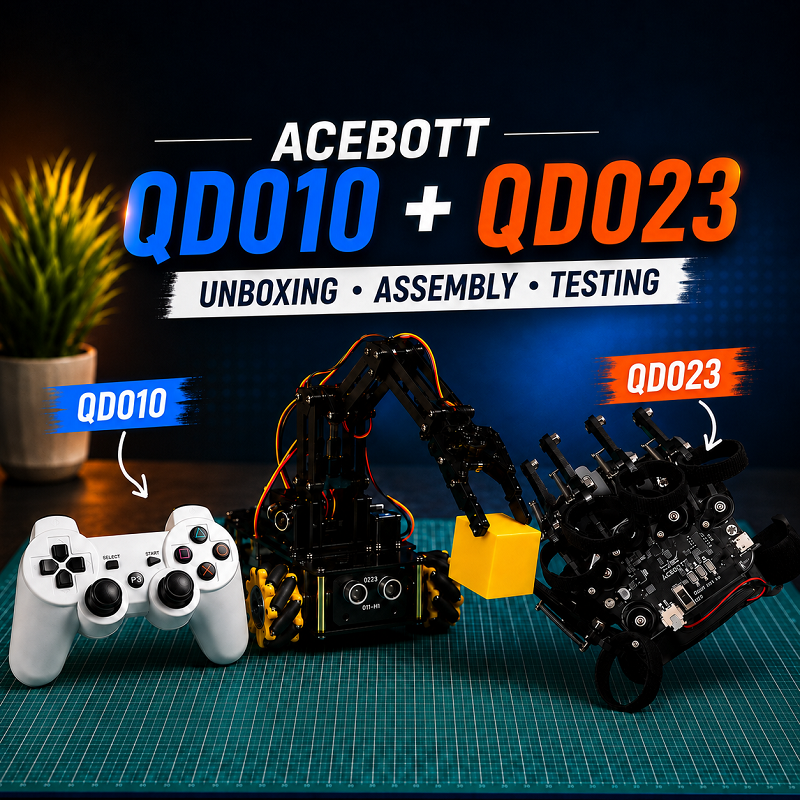
This article was written by Ankit Gupta, a student and robotics enthusiast from India, based on his own hands-on experience with the ACEBOTT QD023 Motion-Sensing Glove and QD010 Bluetooth Controller.
We’re happy to feature his story on the ACEBOTT website as an example of how students and makers explore robotics through real projects.
To better present a real hands-on user experience, the following article is shared from Ankit’s personal first-person perspective.
About Ankit Gupta
Hi, I’m Ankit Gupta, a student from Jharkhand, India, with a strong passion for technology and innovation. I enjoy exploring new technologies, building electronics and robotics projects, and continuously learning through hands-on experimentation. I’m always excited to discover new opportunities that allow me to expand my skills, create meaningful projects, and push the boundaries of what I can build.
Introduction
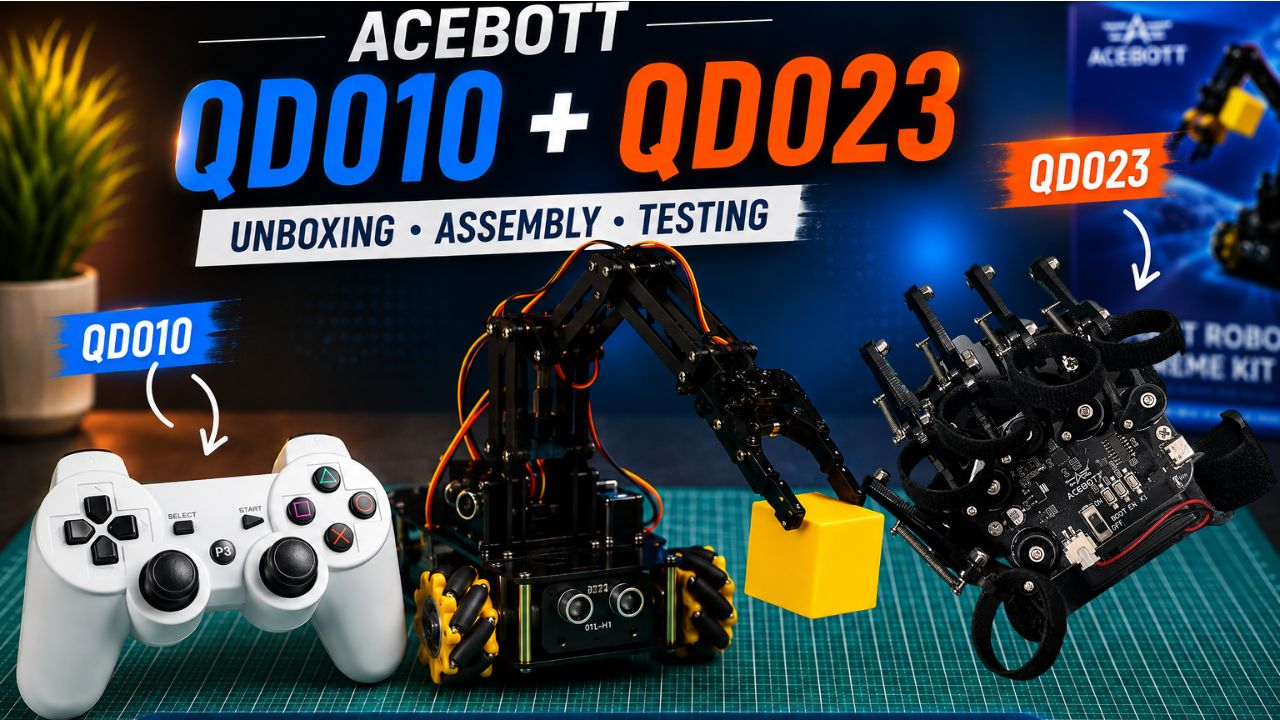
Over the past few months, I’ve had the opportunity to build several ACEBOTT robotics projects. Every project introduced me to something new, whether it was robotics, programming, artificial intelligence, or mechanical design.
This time, however, the robots themselves weren’t the most exciting part.
Instead, I wanted to explore something we often overlook—the way we control robots.
What if you could drive a robot without touching your phone? What if simply moving your hand through the air could make a robot respond naturally?
Those questions immediately caught my attention when I got the chance to try the ACEBOTT QD023 Motion-Sensing Glove and the QD010 Bluetooth Controller.
Although both products are designed for the same purpose—controlling ACEBOTT robots—they offer completely different experiences. One feels like something straight out of a science fiction movie, while the other brings the familiar comfort and precision of a professional game controller.
Why Robot Controllers Matter
When most people think about robotics, they usually focus on the robot itself.
I used to think the same way.
After building multiple robots, I realized that the controller is just as important as the robot. A great controller doesn’t simply tell a robot where to go—it changes the entire experience of interacting with it.
The QD023 and QD010 demonstrate this perfectly.
One lets you control robots using natural hand gestures.
The other gives you the precision of a dedicated wireless controller.
Both made me experience my ACEBOTT robots in completely different ways.
Controlling a Robot with My Own Hand – The QD023 Motion-Sensing Glove
If someone had told me a few years ago that I would be controlling a robot simply by moving my hand, I probably wouldn’t have believed them.
Yet that’s exactly what happened.
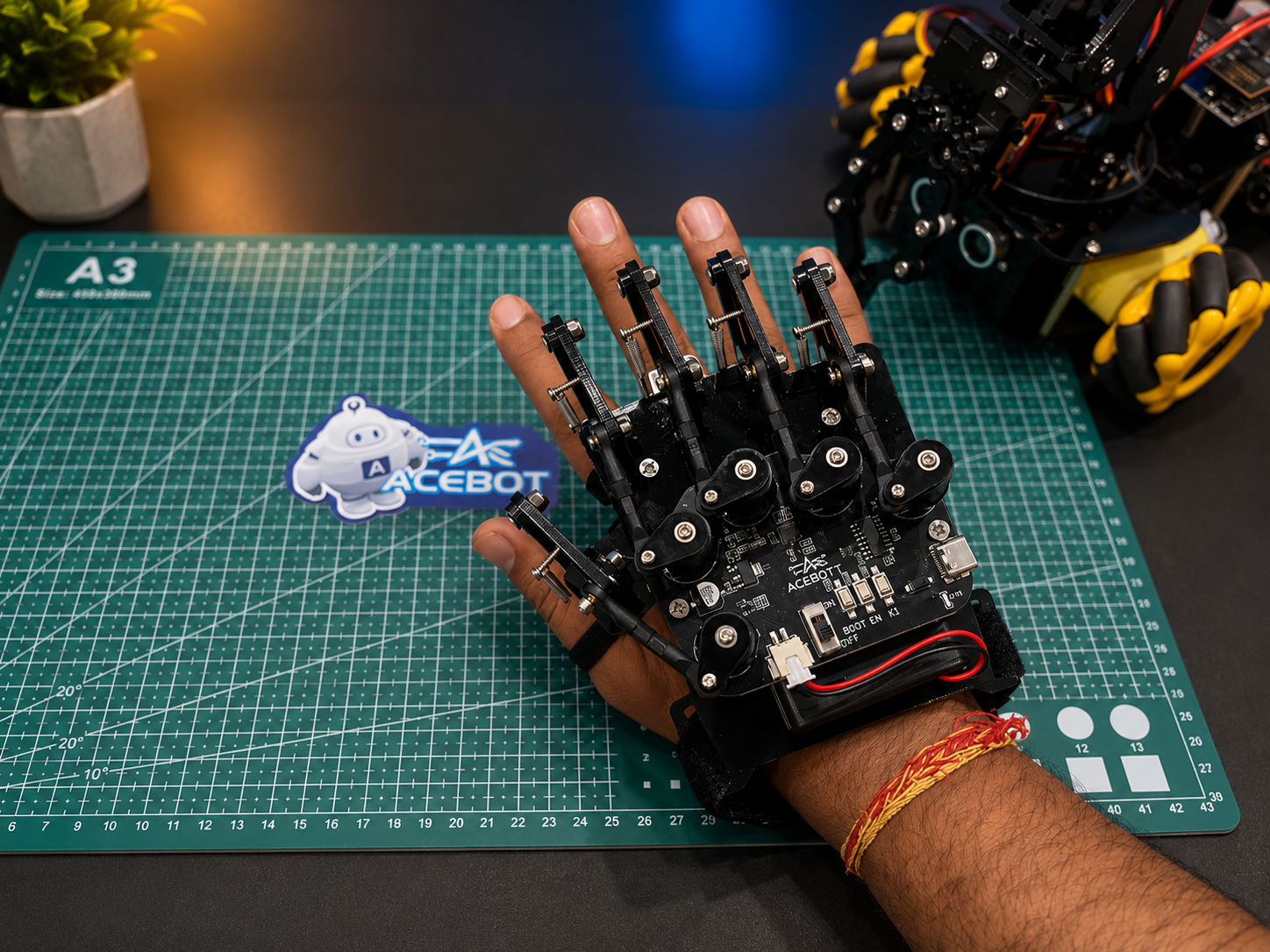
The first time I wore the QD023 Motion-Sensing Glove, it genuinely felt futuristic.
Instead of holding a controller or tapping buttons on a mobile phone, I was wearing the controller.
The idea itself was incredibly exciting.
Assembly Experience
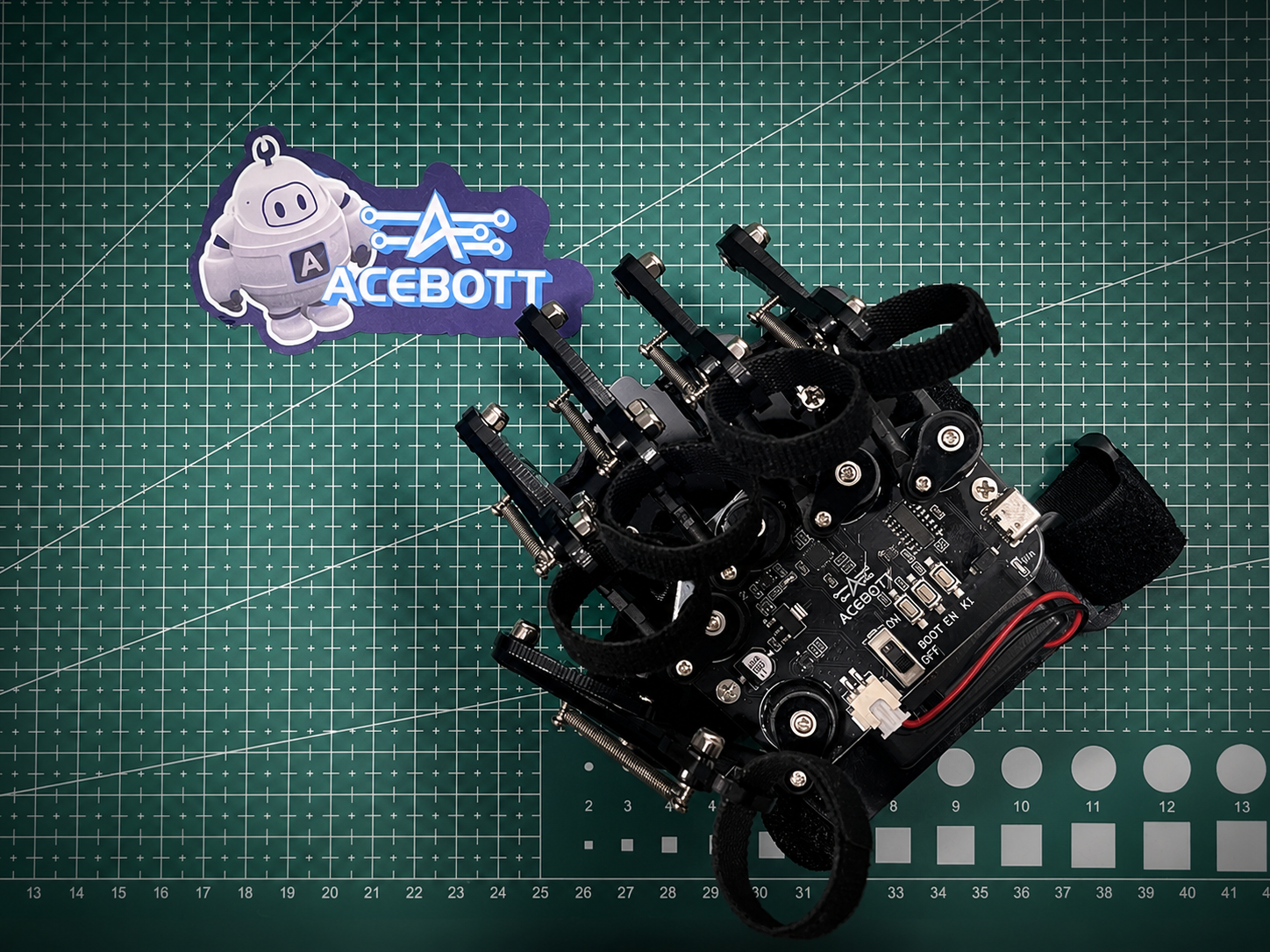
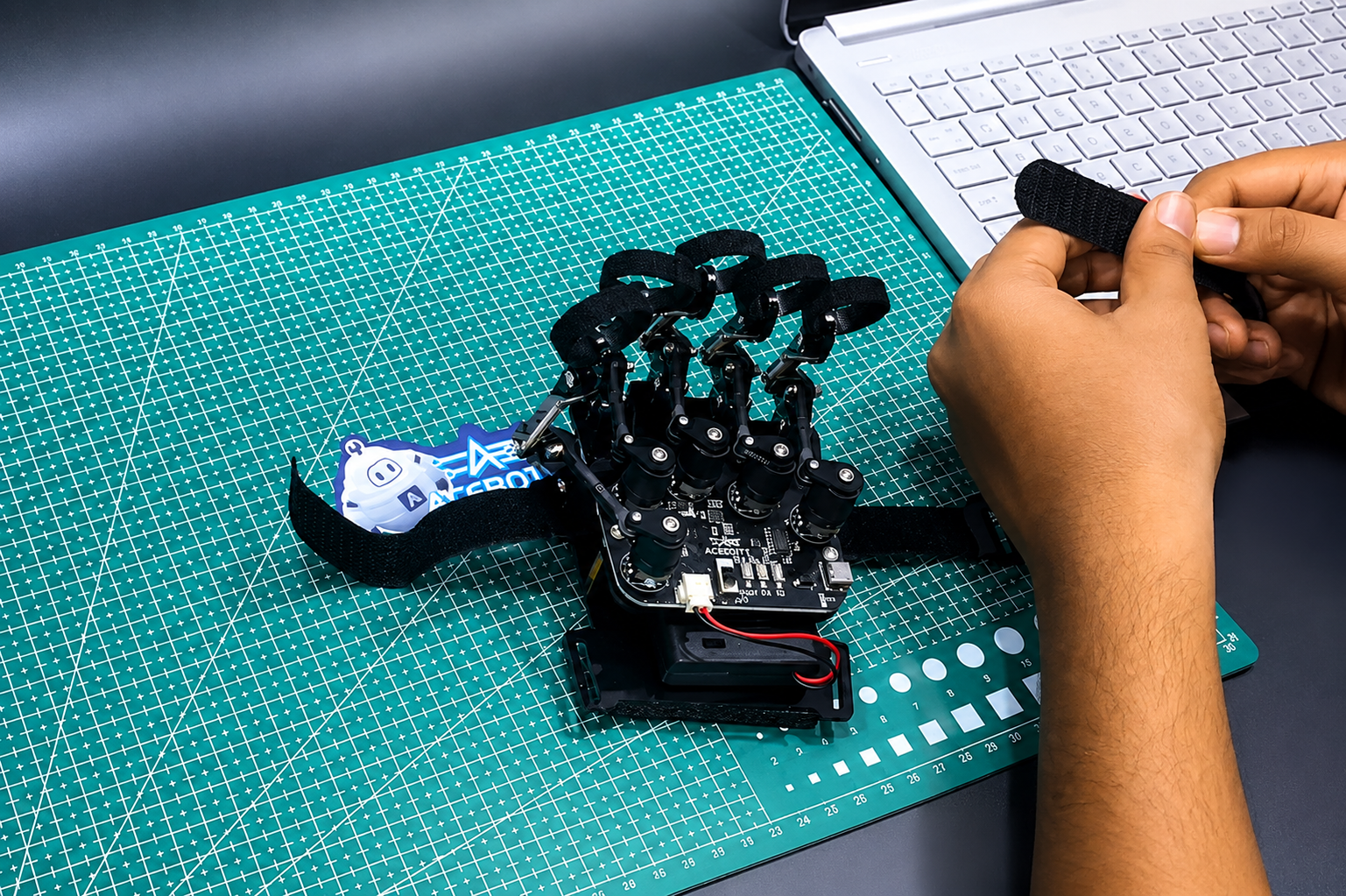
The glove was surprisingly straightforward to build.
I would rate the assembly somewhere between easy and moderate.
The complete build took me around 20 to 30 minutes.
Of course, my build wasn’t completely mistake-free.
While assembling the glove, I forgot to reset one of the finger potentiometers to its zero position before fixing it in place.
Initially, I couldn’t understand why the finger readings didn’t feel accurate.
After checking everything carefully, I realized my mistake.
That meant partially disassembling the glove, repositioning the potentiometer correctly, and assembling everything again.
Although it added a little extra work, it also helped me understand how the glove actually detects finger movement.
It’s one of those small mistakes that teaches you something valuable.
The First Gesture
The moment I connected the glove and watched the robot respond to my hand movement was easily my favorite part of the entire experience.
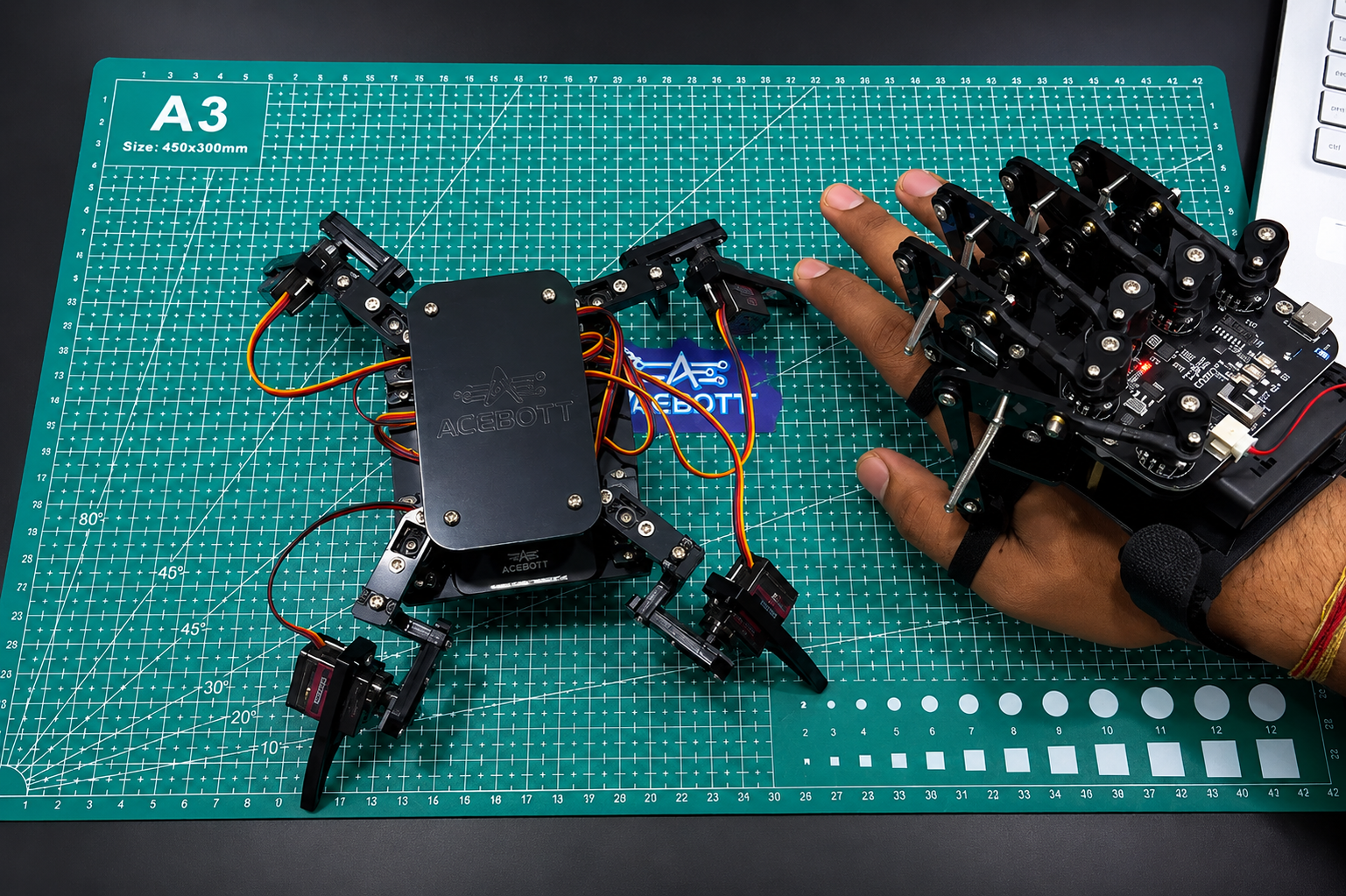
Tilting my wrist made the robot move.
Changing my hand position instantly changed the robot’s direction.
It almost felt as though the robot was copying my own movements.
For a few moments, I completely forgot that I was using a controller.
Instead, it felt like I was directly communicating with the robot.
That feeling is difficult to describe, but incredibly satisfying.
Learning the Gestures
I won’t pretend I mastered everything immediately.
Like learning any new skill, gesture control takes a little practice.
At first, I occasionally mixed up different movements and had to remind myself which gesture controlled which direction.
However, after spending some time with it, everything started feeling surprisingly natural.
Instead of thinking about commands, I simply moved my hand.
That was the moment I realized how intuitive gesture-based robotics can become.
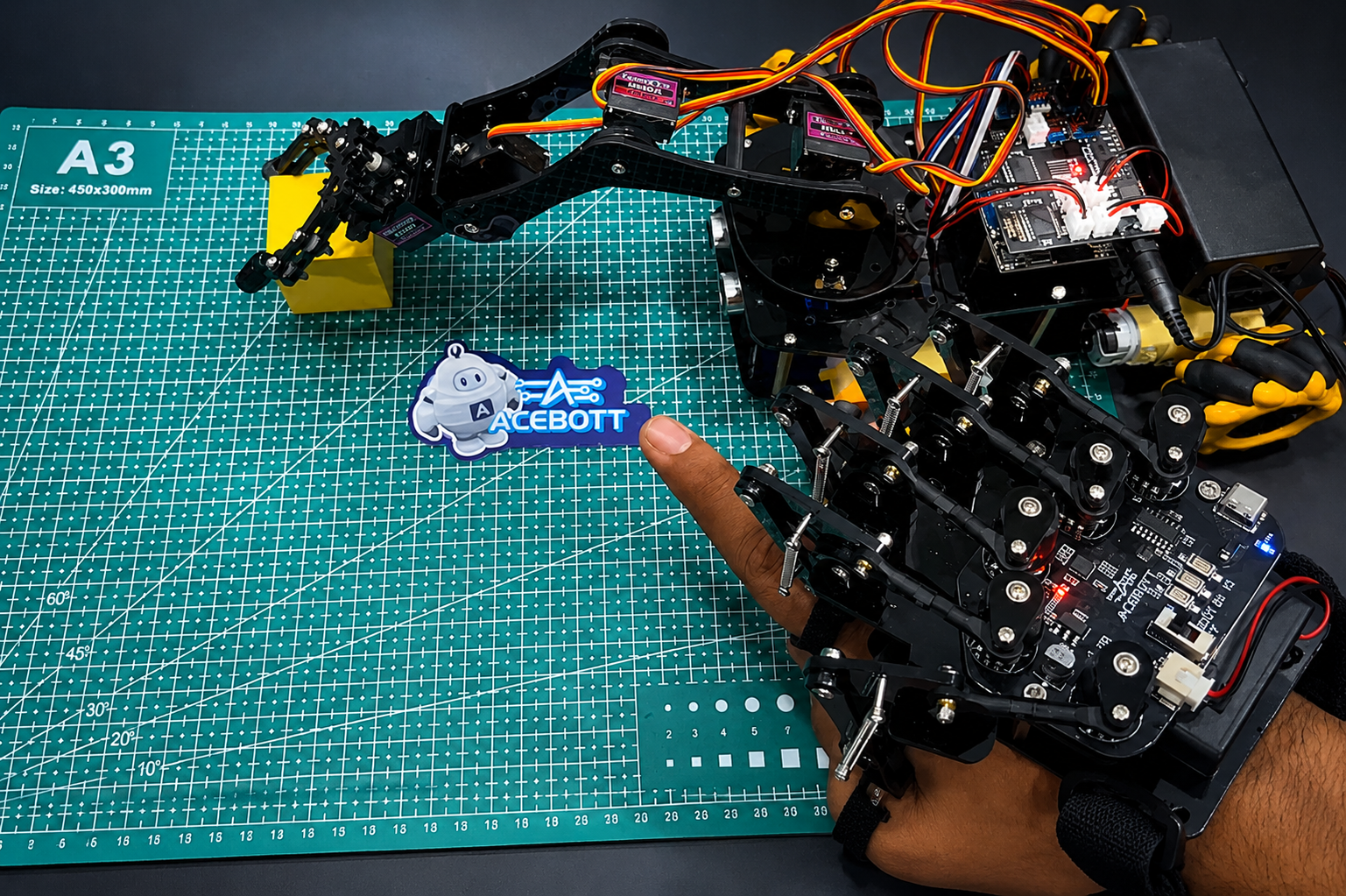
One of my favorite things was trying the glove with different ACEBOTT robots.
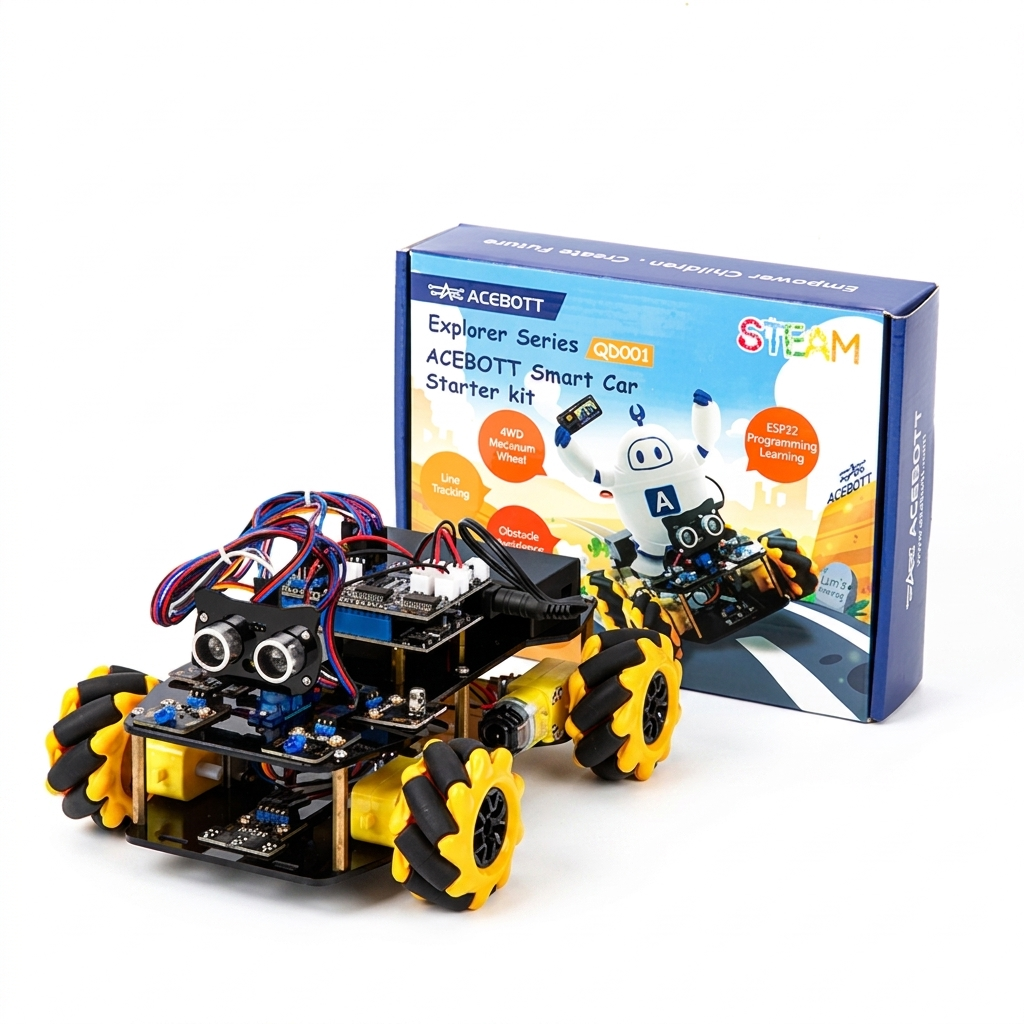
Whether it was controlling the Spider Robot, driving the QD001 Smart Car, or operating the Robot Arm Car, every robot felt like a completely new experience.
From Futuristic Gestures to Familiar Precision – The QD010 Bluetooth Controller
As impressive as the motion glove was, I was curious about something much more familiar.
How would a dedicated Bluetooth controller compare?
The QD010 answered that question almost immediately.
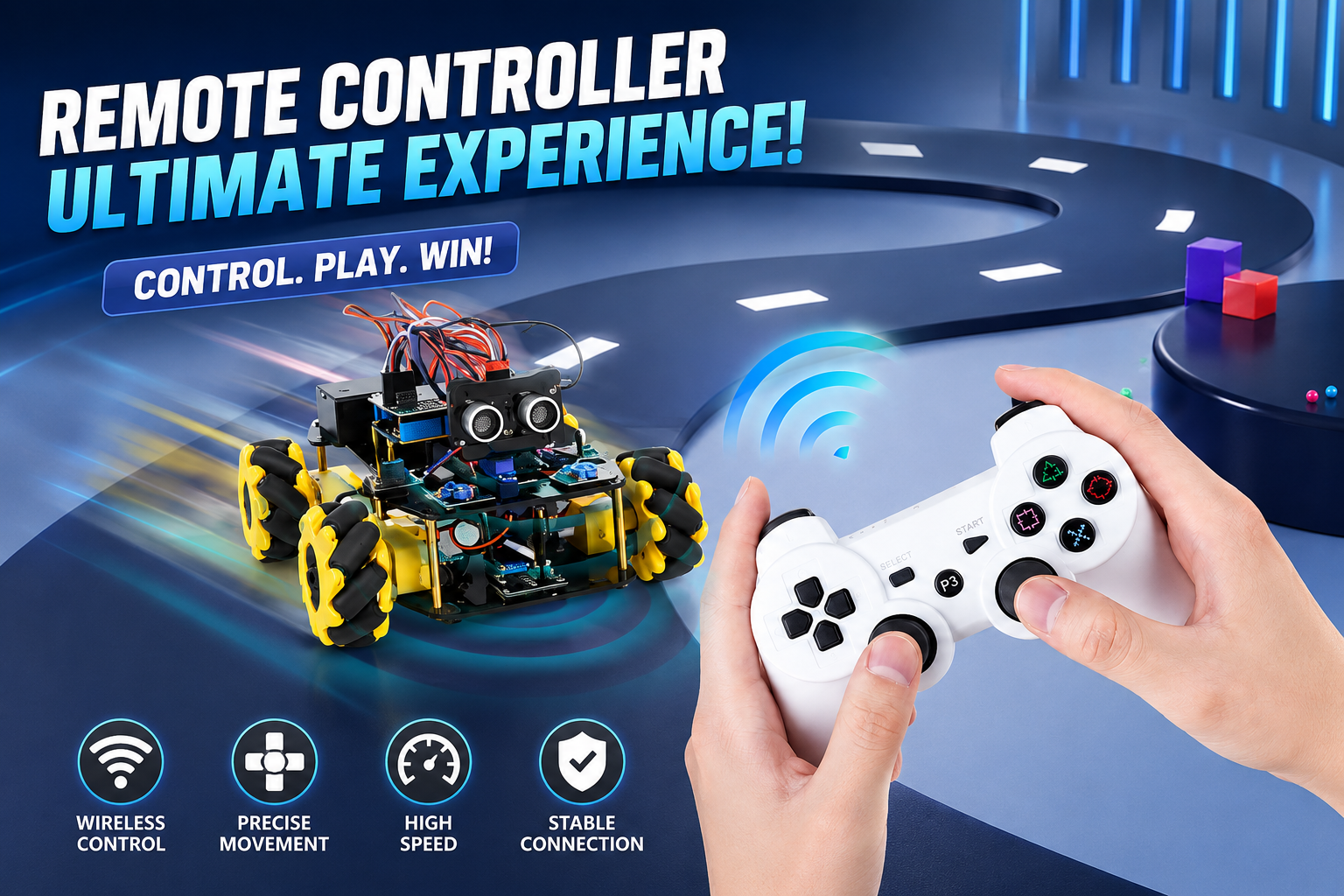
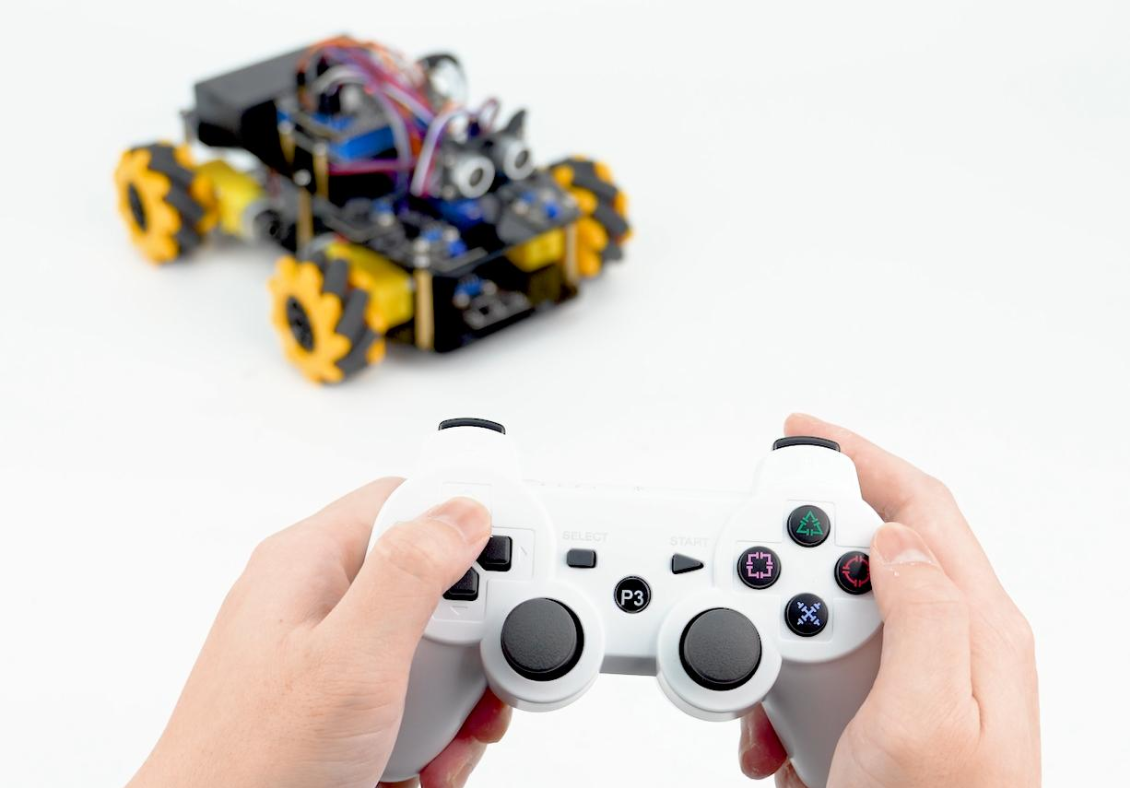
The moment I picked it up, it felt exactly like holding a high-quality gaming controller.
For anyone who has ever played video games, everything feels instantly familiar.
Plug, Pair and Drive
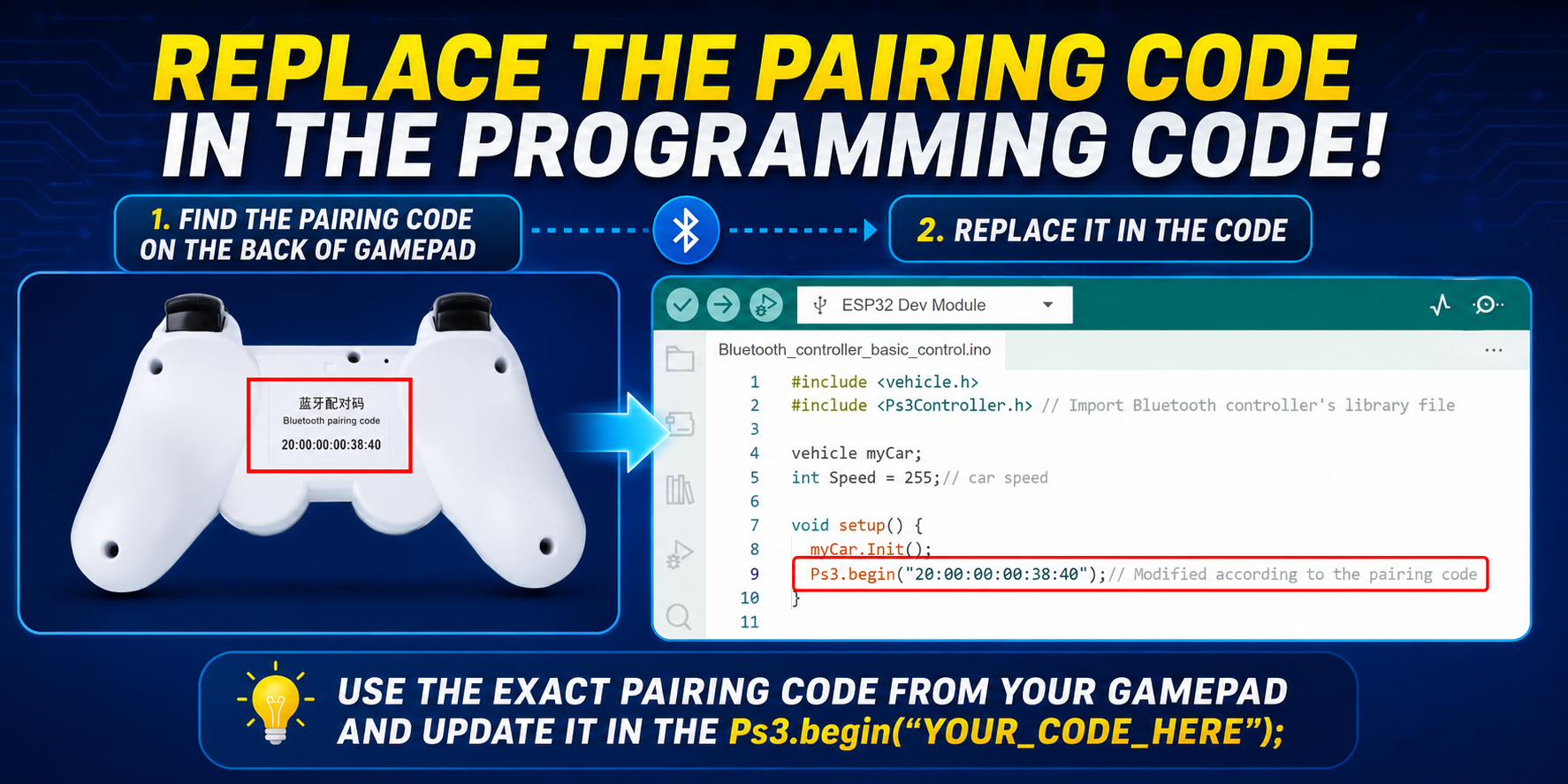
One thing I really appreciated about the QD010 was how simple the setup process was.
Unlike many electronics projects, there was no assembly required for the controller itself.
The only setup involved configuring the receiver on the robot using the pairing code printed on the back of the controller.
Once everything was paired correctly, the controller was ready to use.
That simplicity makes it especially beginner-friendly.
One Mistake I Made
I did learn one important lesson during setup.
Out of curiosity, I initially tried treating the controller like a normal Bluetooth gamepad by attempting to pair it with another device.
That’s when I discovered that this isn’t designed to work like a regular Bluetooth controller.
The QD010 is specifically built to communicate with acebott’s ESP32-based robots.
Once I paired it correctly with the robot receiver, everything worked exactly as intended.
If you’re using this controller, I’d recommend using it only for its intended purpose rather than trying to connect it to phones or other Bluetooth devices.
Driving Feels Like Gaming
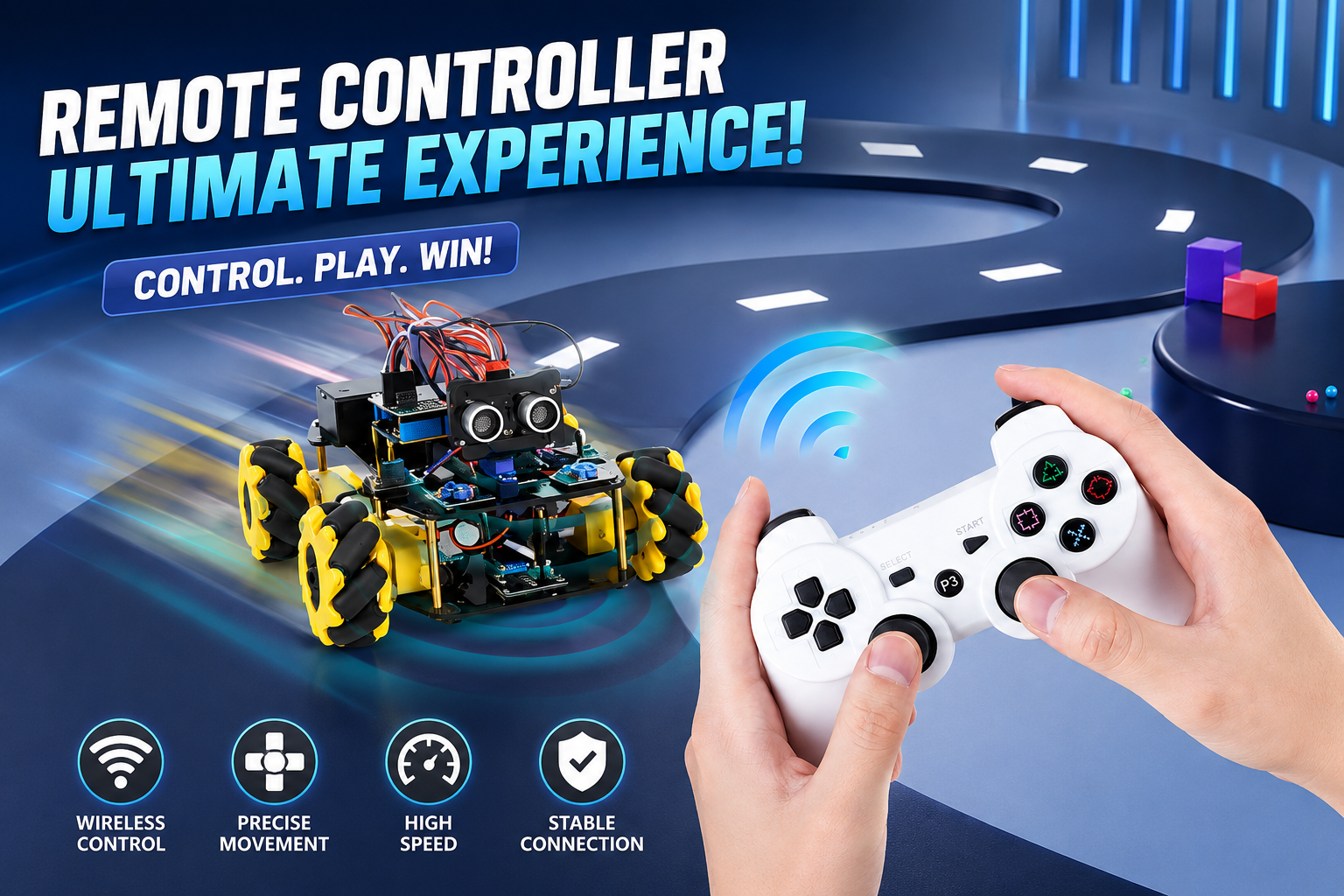
The biggest advantage of the QD010 is comfort.
The joystick feels responsive.
The buttons are easy to reach.
Most importantly, controlling the robot feels extremely precise.
Compared to using a mobile application, driving with a physical controller felt much more natural to me.
I found myself making smoother turns, controlling the robot more accurately, and simply enjoying the experience much more.
It honestly felt like playing a video game—except the robot was moving around right in front of me.
Two Controllers, Two Completely Different Experiences
After spending time with both controllers, I realized something interesting.
Neither one replaces the other.
Instead, each creates a completely different way of interacting with the robot.
Whenever I wanted to impress friends or demonstrate something exciting, I always reached for the Motion-Sensing Glove.
Watching a robot respond to natural hand movements immediately grabs people’s attention.
On the other hand, whenever I wanted precise driving, longer control sessions, or accurate navigation, the Bluetooth Controller became my first choice.
Both are excellent.
They simply serve different purposes.
What I Learned
Before trying these controllers, I thought controlling a robot was simply about making it move.
Now I see it differently.
The controller itself becomes part of the experience.
The Motion-Sensing Glove made me feel like I was interacting naturally with technology.
The Bluetooth Controller made me feel like I was operating a professional robotic vehicle.
Both taught me that robotics isn’t just about building machines.
It’s also about designing better ways for humans and robots to communicate.
One Feature I’d Love to See in the Future
If I could suggest one improvement, it would be to combine the strengths of both controllers.
Imagine a future version where the Motion-Sensing Glove includes gentle vibration feedback whenever the robot performs an action, making the interaction even more immersive.
For the Bluetooth Controller, it would be great to have programmable shortcut buttons so users could quickly trigger custom robot actions or movement sequences with a single press.
These additions wouldn’t change the core experience—they would simply make two already enjoyable controllers even more exciting.
Who Should Try These Controllers?
After using both products, I believe they’re perfect for:
- Students learning robotics and STEM
- Makers who enjoy hands-on technology
- Schools and robotics clubs
- Arduino and ESP32 enthusiasts
- Anyone interested in exploring different human-robot interaction methods
Whether you prefer futuristic gesture control or the precision of a traditional controller, there’s something here for every robotics enthusiast.
Final Thoughts
One of the reasons I enjoy building robotics projects is that every new project changes the way I think about technology.
The ACEBOTT QD023 Motion-Sensing Glove showed me that controlling a robot can feel as natural as moving my own hand.
The ACEBOTT QD010 Bluetooth Controller reminded me that sometimes a familiar design, refined for a specific purpose, offers the best balance of comfort and precision.
After spending time with both, I don’t think one is better than the other.
Instead, I see them as two completely different experiences.
One makes robotics feel futuristic.
The other makes it feel effortless.
Together, they didn’t just give me two new ways to control my ACEBOTT robots—they completely changed the way I interact with them.
And for me, that’s what made this project such a memorable part of my robotics journey.