Introduction
Your child uses code every day – they just don’t know it yet.
Code isn’t some mysterious thing. It’s simply the “common language” between humans and software. The games on their phone, the smart speaker at home, the learning apps they use at school – all of them are powered by lines of code running quietly behind the scenes.
Many parents ask: “I don’t know how to program myself – can I still help my child learn?” The answer is: absolutely. You don’t need to learn it first yourself. You just need to help your child find the right starting point.
In the following pages, we’ll explain in the simplest terms what code really is, and why now is a good time to seriously consider introducing your child to programming.
What exactly is code?
In simple terms, code is “a list of instructions for computers to read.”
Think of it like a recipe. A recipe tells the chef what to do first, what to do next, and how much of each ingredient to use – a computer program works the same way, telling the machine step by step what to do.
Here’s an interesting quirk, though: computers only recognise two “characters” at their core – 0 and 1.
Every image, sound, and piece of text is actually stored inside a computer as binary numbers made of 0s and 1s. For example, the letter “A” is stored in a computer as 01000001.
If your child wants to practise converting between binary and decimal by hand, you can try this tool – just click in, and it lets you switch between decimal (the numbers we normally use) and binary: Binary to Decimal Converter.
Of course, programmers don’t write code directly in 0s and 1s – that would be too painful.
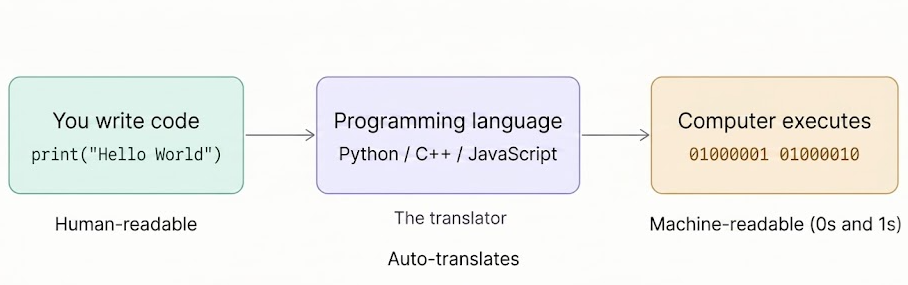
So humans invented programming languages, like Python, JavaScript, and C++. They are a set of grammar rules that humans can read, like an “interpreter”:
Programmers write code using these rules, and then the programming language translates it into the 0s and 1s that computers understand. What children learn when they study programming is essentially how to talk to this “interpreter.”
These kinds of fun facts might just be the key that opens the door to the world of programming for your child.
Why children should learn programming
Learning to code isn’t just about landing a job in the future – though that’s a good reason too. But getting your child started early with programming has several other benefits:
Develops logical thinking.
Programming requires you to break a big problem into many small steps and then solve them one by one. This way of thinking is useful in maths, writing, and even everyday decision‑making.
Builds patience and debugging skills.
When code has errors, the program won’t run the way you expect. Children need to find out where the problem is and fix it themselves – the process itself is excellent training in handling frustration.
Fosters creativity and a sense of achievement.
Programming is one of the few skills that lets children “build something from nothing” – a little game, a moving robot, or a lamp that changes colour with temperature. When they see their own code make something real actually work, that sense of achievement becomes the inner drive for continued learning.
AI tools are becoming more common, but the people who can truly harness AI are often those who understand programming logic – they know how to ask the right questions, how to verify results, and how to spot mistakes made by AI. If children build this ability early, they gain an advantage in future competition.
Cultivates cross‑disciplinary thinking.
Programming is not an isolated technical subject; it is closely connected to maths, physics, design, and even language expression. When children work on a weather station project, they are simultaneously learning sensor principles, data analysis, and logical judgement – this kind of integrated learning is hard to replicate in a traditional classroom.
Learn to collaborate with AI.
Today, AI tools are becoming increasingly widespread, and it is often those who understand programming logic who can, on one hand, participate in building AI, and on the other hand, use what they have learned to make better use of programming tools. To give a concrete example: in everyday conversations with AI, you can also write in simple code structures – even just basic HTML tags, like using `<p>`, `<ul>`, `<li>` to structure your instructions – so that the AI understands more precisely and produces noticeably better output. Programming also helps you command AI more effectively for your own purposes.
In addition, programming is actually not as hard as you might think – and it can be a lot of fun. Children don’t have to sit in front of a computer memorising syntax. There are now many more intuitive ways to start: using block‑based graphical programming to control a small car, building a robot that dodges obstacles, or making a lamp that changes colour automatically with temperature. When children see with their own eyes that the code they wrote makes something real move, learning is no longer a chore – it becomes an exploration.
What age is right to start
There is no single answer to this question, but here is a rough guideline:
Ages 6–8:
Build “instruction‑based thinking” first – don’t rush into writing code.
Children at this stage have limited attention spans and their fine motor skills are still developing. Forcing them to type syntax on a keyboard is like pushing a seedling to grow faster than it should.
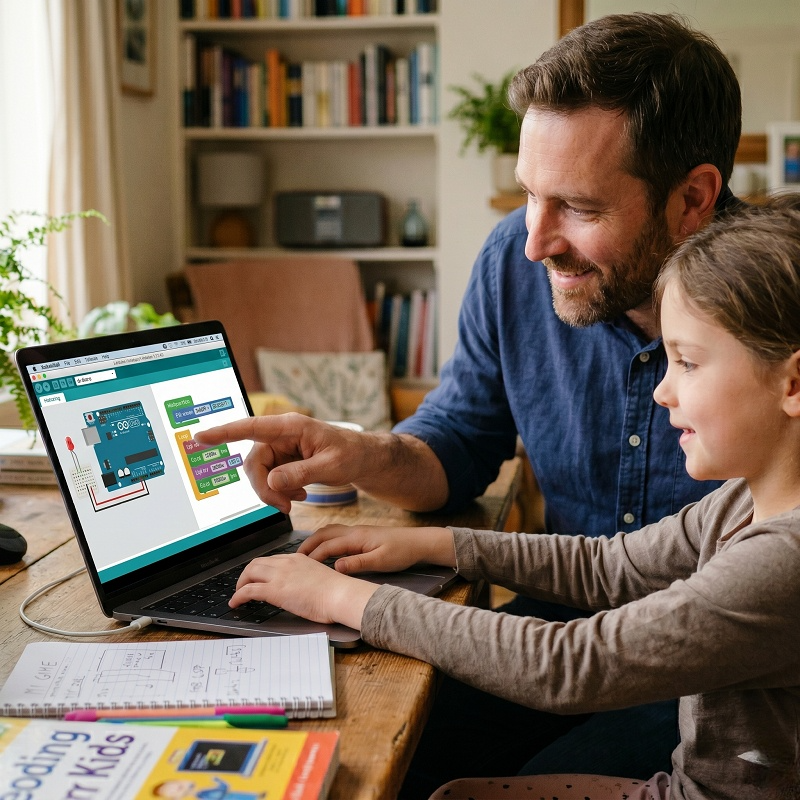
Graphical programming is a great way to introduce them – for example, Scratch, or acebott’s self‑developed ACECode. ACECode is based on the Blockly framework, where children combine instructions by dragging and dropping blocks – without typing a single letter – and yet they can control real hardware.
The most important thing at this stage is not “being able to write code,” but rather making sure the child truly understands one thing: you give a command, and the machine carries it out. Once this cause‑and‑effect relationship is established, all subsequent learning will move much faster.
Ages 9–12:
Transition from graphical to hardware, with project‑driven learning.
This is the golden window for learning programming. Children at this age already have sufficient logical ability and focus, while still retaining a strong sense of curiosity.
The most effective way to learn is not doing drills or memorising syntax, but building something that actually works.
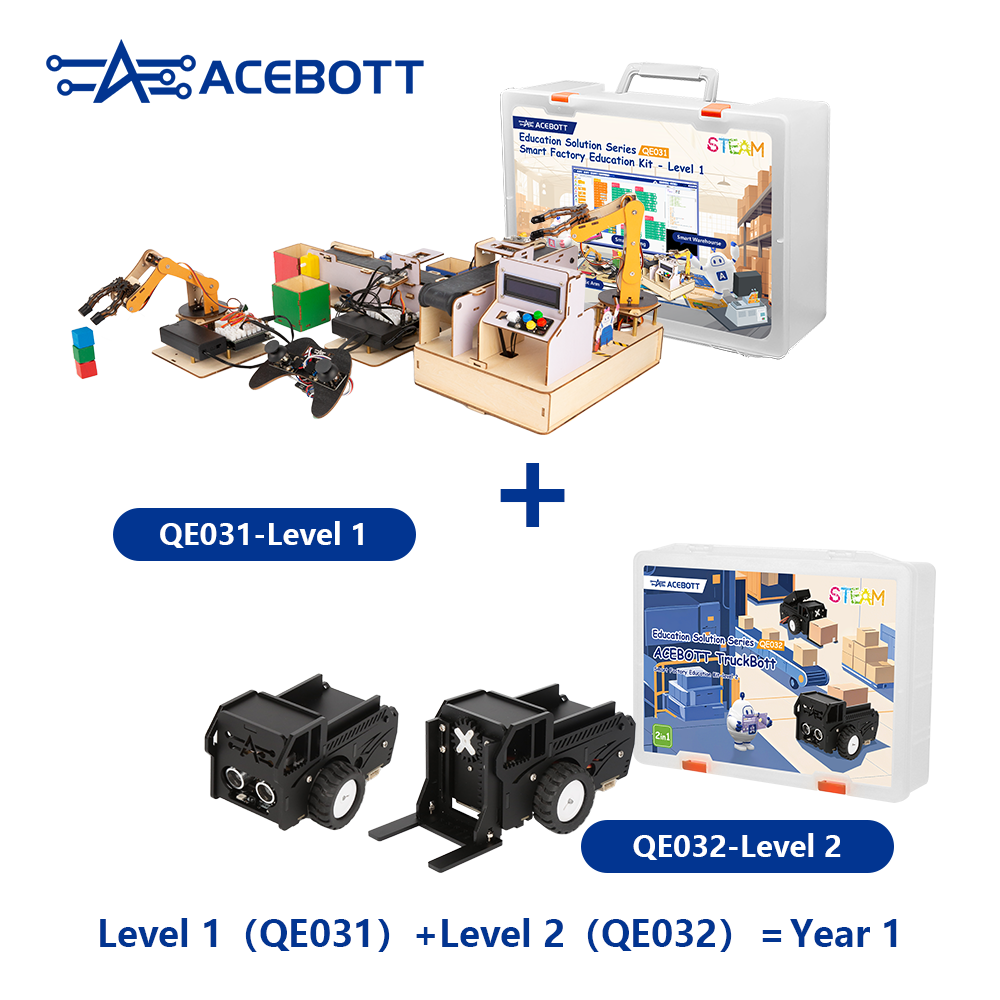
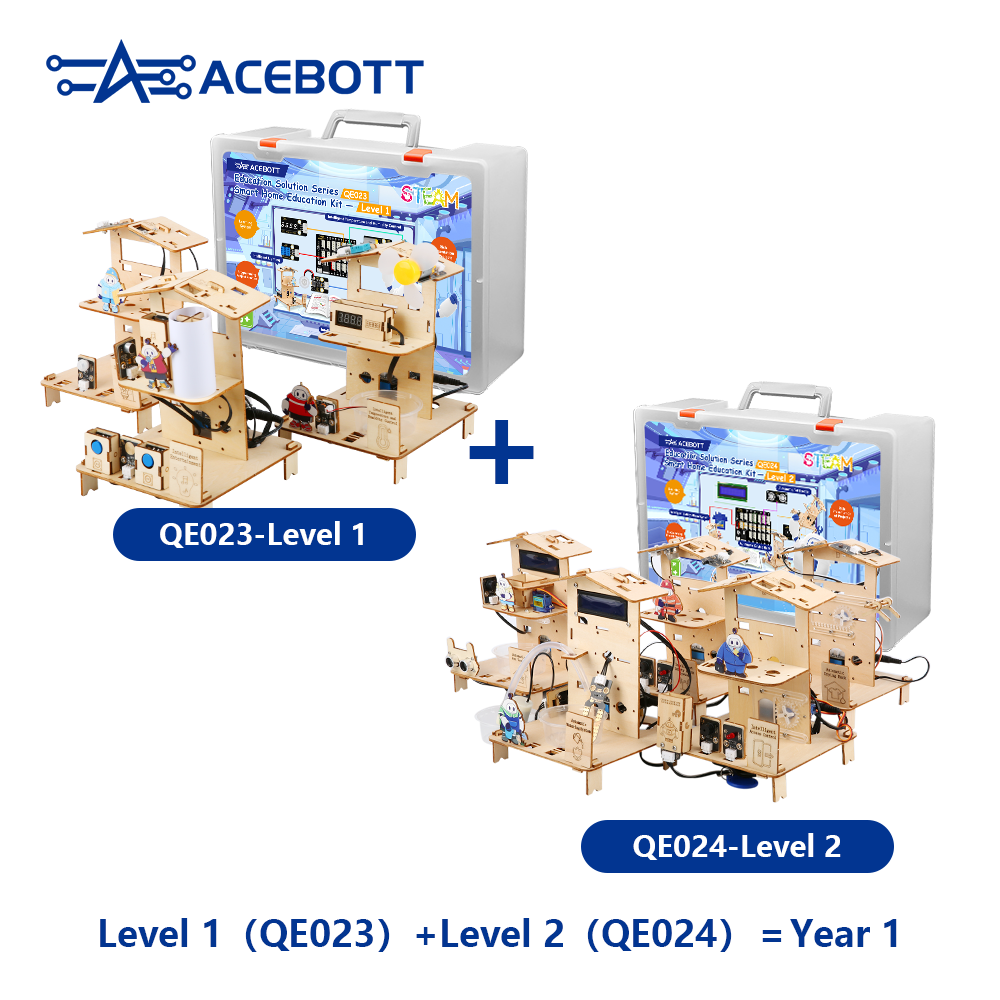
Using development boards like ESP32 or Arduino, paired with a programming kit like ACEBOTT, children can build smart cars, weather stations, robotic arms – these are not toys, but real operating systems. When a child first sees a physical device move under the control of a program they wrote themselves, that thrill will make them want to learn more. The core at this stage is not how much syntax they master, but developing the habit of using code to solve problems.
Ages 13 and above:
Start getting hands‑on with real programming languages and build systematic thinking.
At this stage, children can gradually transition to Python or C++ (or choose what suits them best based on their specific performance).
Python has a syntax close to natural language, is beginner‑friendly, and is widely used in data analysis and AI development – making it one of the best first languages to learn today.
C++ is more low‑level, giving children a real understanding of how computers work – memory, pointers, computational efficiency – concepts that provide a foundational advantage no matter what technology they pursue later.
It is also at this stage that developing the ability to read others’ code, debug independently, and build complete projects marks what we truly call “getting started” with programming.
Of course, this is only a rough framework.
Every child progresses at their own pace. Some 8‑year‑olds can already complete full hardware projects, while some 12‑year‑olds have just found their spark of interest. More than age, what really matters is whether the child has that desire – “I want to make it work” – once they have that, the rest is just a matter of time.
How to get started with introducing your child to programming
Many parents’ first reaction is: “I don’t know anything about programming myself – how can I help my child?”
Let me start with a fact that might surprise you: whether or not you know how to code has much less impact on your child’s learning than you think. What a child needs most when learning to program is not a parent who can write code, but an environment where they feel free to tinker and are not afraid to make mistakes.
Here are a few suggestions for getting your child started with programming:
Start with a problem.
Most children lose interest in programming not because it’s too hard, but because it’s too boring.
“Today we’re going to learn about variables” – this kind of approach means nothing to a child.
A better starting point is a real problem: can we make this little car avoid obstacles automatically? Can we make a program that reminds me to drink water every day? When children have a problem they want to solve, learning syntax becomes a means rather than an end.
Interest is the best teacher.
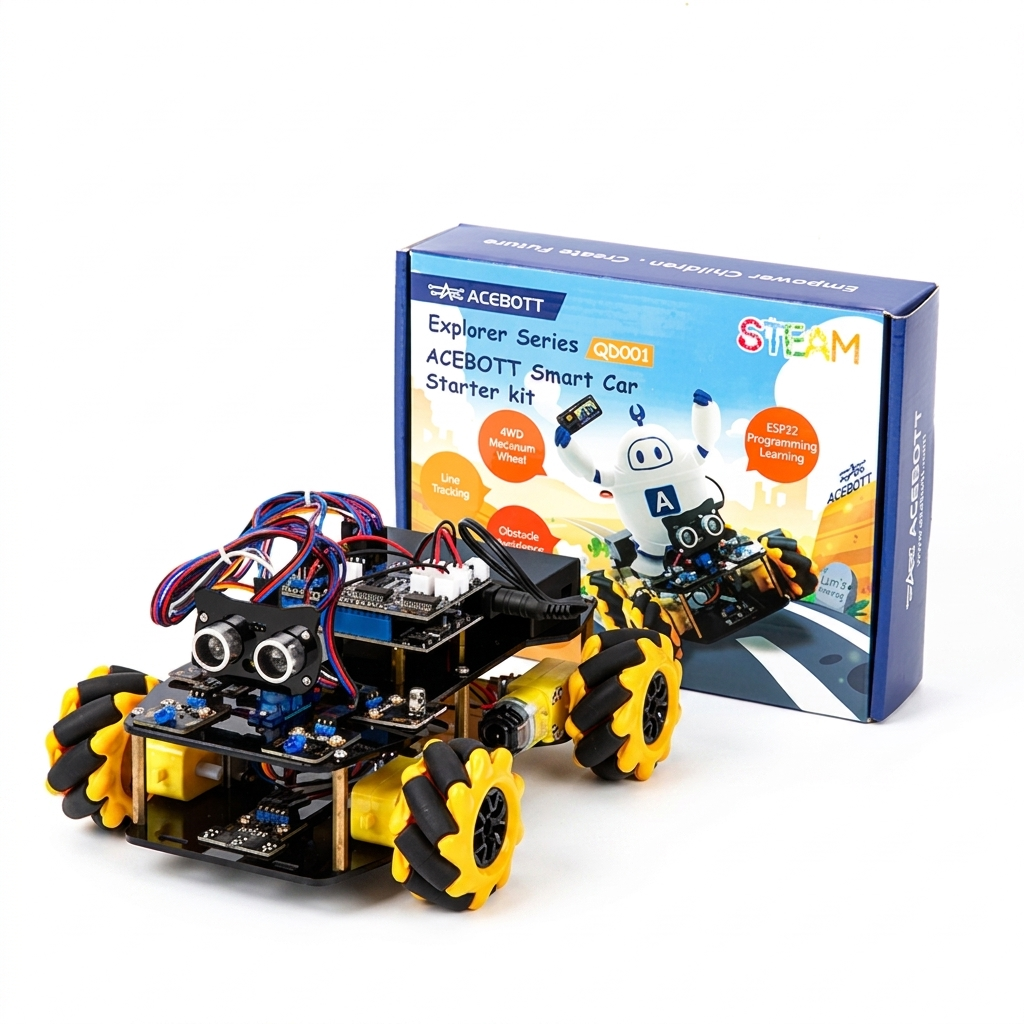
The first step is to spark your child’s interest in programming. If abstract concepts and theories don’t excite them, you can change tack – find some more engaging, more fun tools to guide them. It could be a programming game app, or a STEM kit like acebott QD001 Robot Car Kit, where children get hands‑on with programming by building and controlling real hardware.
How do you choose among these tools? There’s only one criterion: whatever interests your child – that’s the best one!
Interest is what gets them started, and it’s also what keeps them learning and improving.
Errors are part of the process, not an accident.
In fact, even professional programmers spend a fair amount of time debugging – not because they’re not good enough, but because **that’s simply how programming works.**
So when your child makes a mistake and the program won’t run, that’s normal. The ability to troubleshoot and solve problems is one of the most valuable things they learn from programming.
As a parent, the most valuable thing you can do on the side is not to find the answer for them, but to say, when they’re frustrated: “It’s okay, let’s take another look and see where the problem is. We’ll figure it out together.”
And remember: don’t rush them, don’t put pressure on them.
Programming is a skill that takes time to develop. Many children seem to make slow progress in the first few months, and then suddenly something clicks – because what they’re building is a way of thinking, not a list of vocabulary to memorise.
One of the hardest but most important things for a parent to do is to hold back the anxiety of “you’ve been learning for so long and you still can’t do it,” and give your child enough time to explore on their own.
Conclusion
Code is not as mysterious as you might think. It is simply a tool that turns ideas into reality – that’s all.
What children truly learn from programming is not just syntax and instructions, but a way of approaching problems: when they see something complex, they know how to break it down and tackle it step by step.
In an age where AI is becoming increasingly prevalent, this ability will only grow more valuable.
No matter how old your child is right now, find an entry point that genuinely interests them, start with a small project, and guide them into the world of programming. Their curiosity will take them further than you expect.